
Design from a photograph. The place stays as it is.
Upload a photograph of a garden, a room or a plot and choose a direction. What comes back is a visualisation of that same place: the house, the fences and the walls stay where they are; only the garden or the interior changes. Run it again for a different take.
Homeowners use it to explore before hiring anyone. Designers use it to move faster through early concepts. We use it ourselves on real landscape projects.
What it works with

Landscape
Gardens, yards, entrances, terraces. A photograph of the spot goes in, a few directions come back. It works best when there is already something there to read.
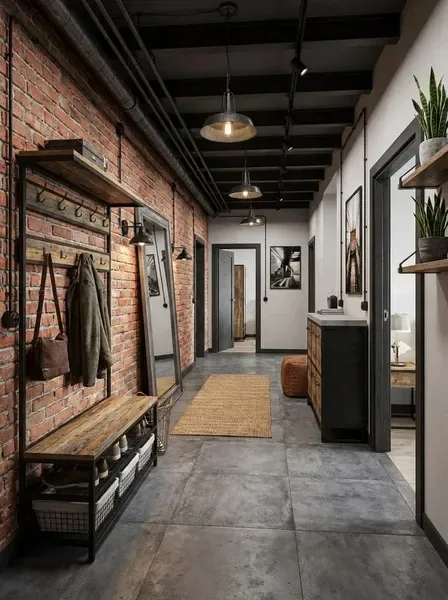
Room
Interiors: living rooms, bedrooms, a flat that needs a plan. The same pattern — photograph in, options out.

Commercial
Cafés, lobbies, small shops. More careful with constraints: circulation, signage, the unglamorous things that matter once a place opens.
What is inside
Six tools in one workspace. Most projects use two or three of them.
-
Vision
Upload a photograph, pick a style direction, get one visualisation. Run again for a different take. Everything else starts here.
-
Refine
A targeted edit on an existing result: mark the zone, say what should change — add, remove, replace, adjust. Everything outside the zone stays as it was.
-
Placement
A photograph of an empty or existing plot, and what to put on it — a house, a garage, a bathhouse, a gazebo, a pool, a greenhouse. The result shows how they sit on the plot with its boundaries unchanged.
-
Sketch
Takes a visualisation and produces a top-down sketch: outline, zones, structures. Not a working drawing, but something concrete to put in front of a client or a contractor.
-
Documentation Beta
A short project pack ready to share with a client. Still rough around the edges.
-
Ask Coming soon
A design assistant that answers specific questions about a project. Not live yet.
One source, four directions
The same villa on the same plot, four style runs. Each run gives one result; you run as many directions as you need.
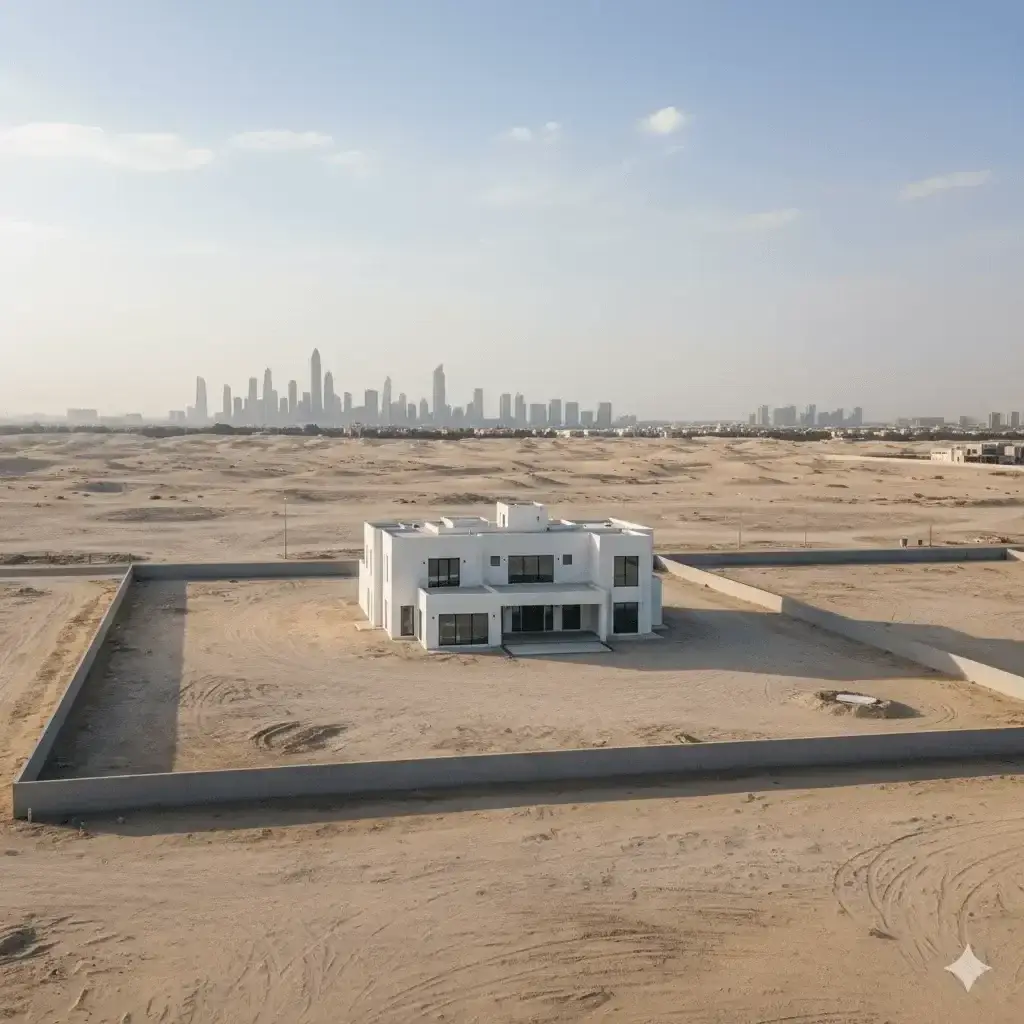
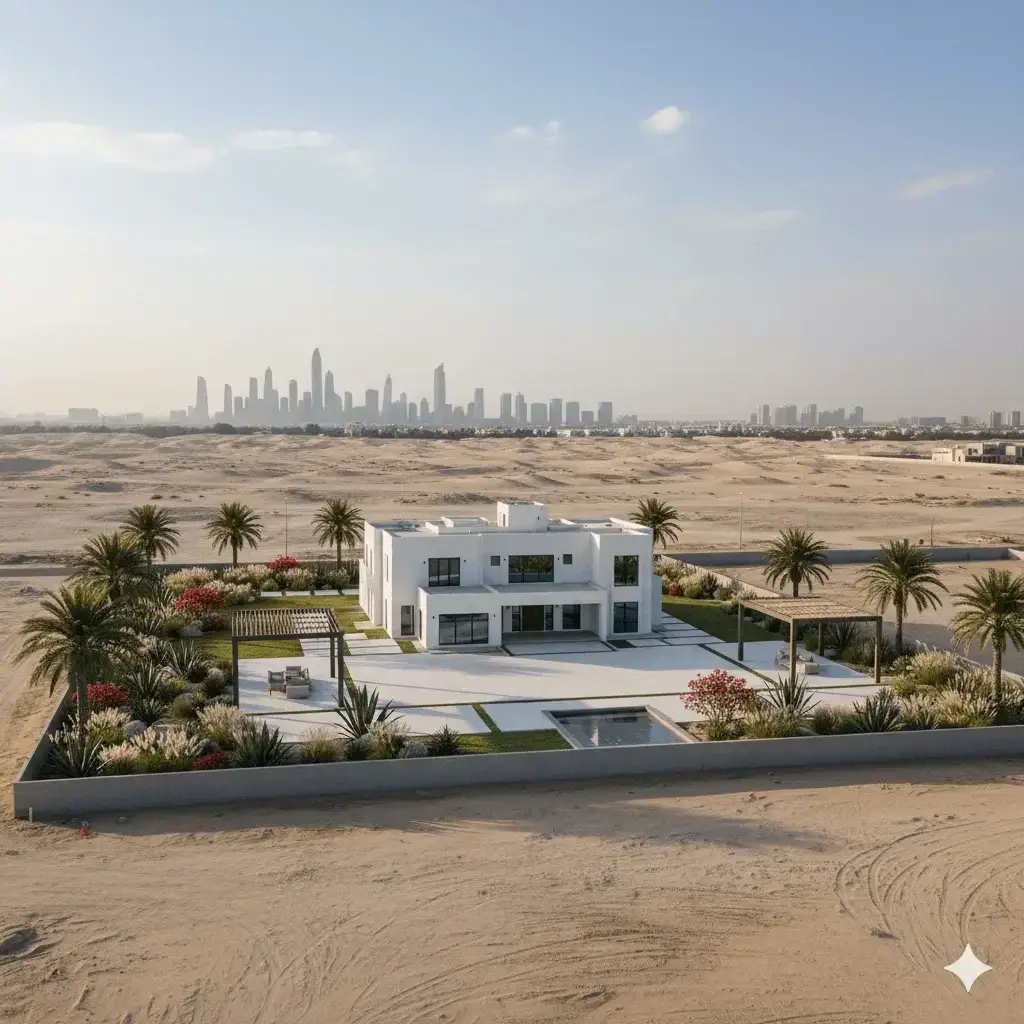 Before After
Sign up, top up credits, start generating. Setting up takes a few minutes. If something is unclear, write to us.